

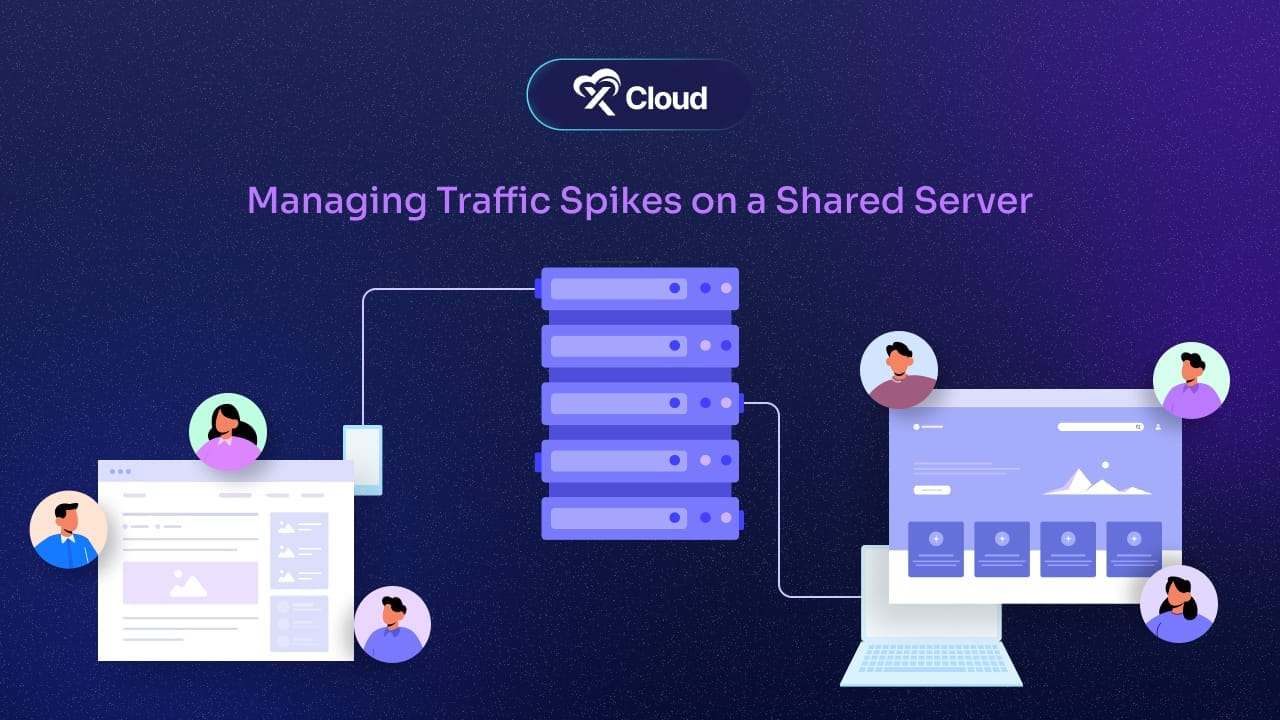
To survive traffic spikes on a shared server, cut the work each visit costs (page caching, a CDN, a lean site), watch your traffic so you see a surge coming, and move to a VPS or cloud server once your site outgrows shared resources. Shared hosting is affordable, but it has limits. When a surge hits, your site might load slowly, freeze up, or go offline altogether.
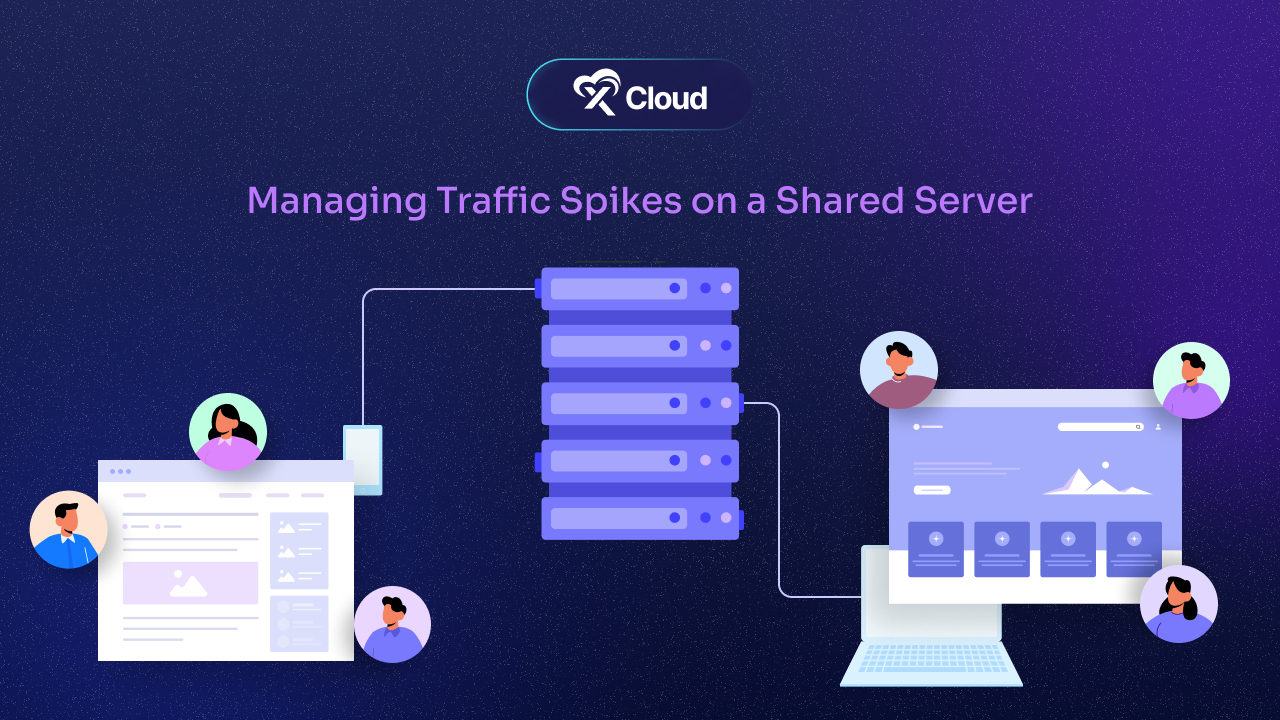
These issues hurt your user experience and can lead to lost sales or frustrated visitors. That is why managing these traffic spikes is crucial. In this article, we will break down the best strategies to help your site stay strong, even when there is a sudden rush of visitors.
Understanding Traffic Spikes on Shared Servers
When we talk about traffic spikes, we are referring to sudden surges in the number of visitors hitting your website. These spikes can happen for a variety of reasons. Maybe you had a successful marketing campaign, or perhaps a blog post went viral. It could also be due to seasonal shopping trends, like Black Friday or holiday sales.
While traffic spikes are usually a good thing, they can quickly turn into a problem if your site is not ready to handle them, especially on a shared server. Shared hosting means your website is on the same server as many other websites. This setup works fine for regular traffic but can create bottlenecks during a spike.
Since shared servers allocate resources like CPU, RAM, and bandwidth to multiple sites, a spike in one site can slow down or crash others. Imagine sharing a pizza with friends: if one person grabs too many slices, there is less for everyone else. That is similar to what happens with traffic spikes on a shared server.
If your server cannot handle the load, it can lead to slowdowns, downtime, or worse, website crashes. On a dynamic site like WordPress, every uncached page view also needs a PHP worker, and a shared plan gives you only a few. This is why understanding how shared hosting server limitations impact your site during traffic spikes is important. It is not just about having enough space for visitors but also about ensuring your server is optimized to handle those busy times.
The Risks of Traffic Spikes on a Shared Server
Now that we understand what traffic spikes on a shared server are, let us dive into the risks. A sudden surge in traffic may sound like a good problem to have. After all, more visitors usually mean more opportunities. However, if your website is not prepared, these spikes can cause more harm than good. Here are some of the major risks associated with unmanaged traffic spikes.
1. Downtime and Website Crashes
One of the biggest dangers of a traffic spike is that your website might crash. Shared servers have limited resources, and if your website exceeds those limits, it can go offline. This happens because the server simply cannot handle the overwhelming demand for resources all at once.
Downtime not only frustrates your visitors but also damages your credibility. If someone visits your site during a crucial time, like a product launch or a big sale, and it is offline, you could lose that customer forever. Worse yet, if this downtime occurs frequently, it could impact your search engine rankings. For the wider picture, see our best practices to prevent downtime.
2. Slow Page Load Times
Another problem with traffic spikes on shared servers is slow page load times. When a website is overloaded, it takes longer for each page to load. Visitors today expect instant access to information. If your site takes more than a few seconds to load, they will likely leave and move on to a competitor.
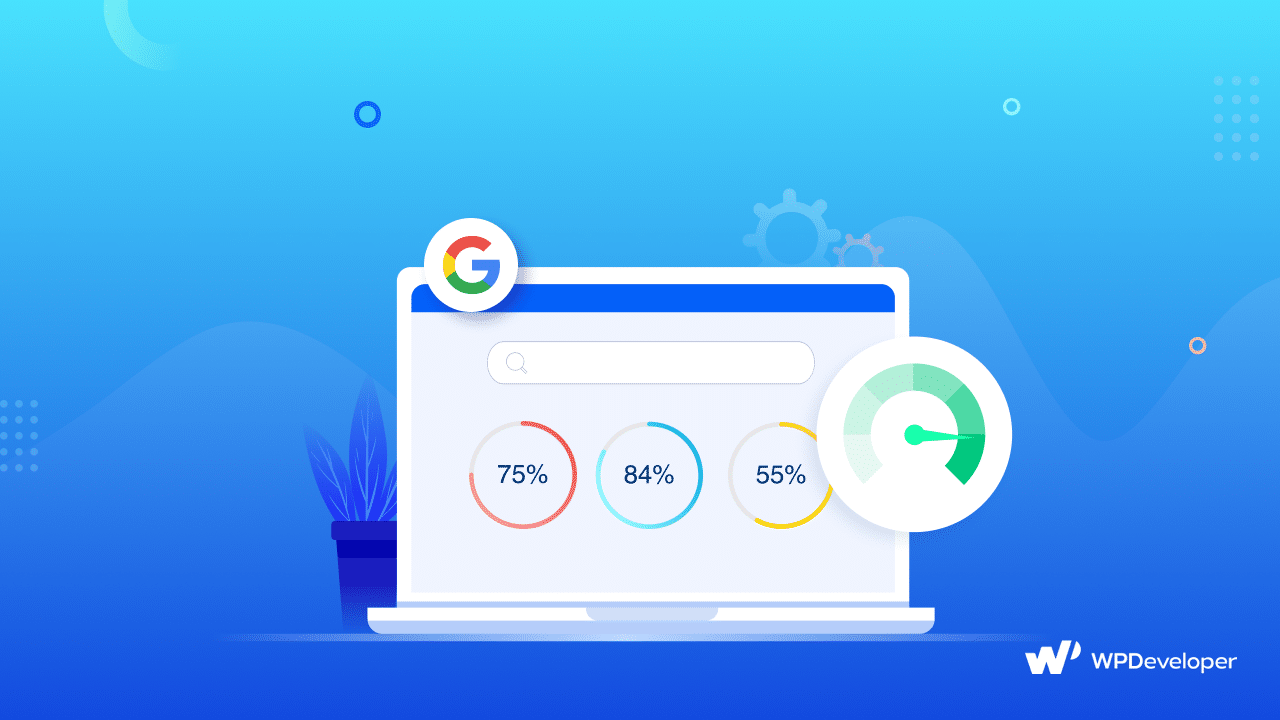
Slow load times do not just hurt user experience. They also affect your SEO. Google factors page speed into its rankings, so if your site consistently slows down, you may drop in search results, costing you potential traffic.
3. Poor User Experience and Potential Loss of Customers
Imagine visiting a site that is slow, unresponsive, or constantly down. Frustrating, right? That is the exact experience your visitors will have if your site cannot handle traffic spikes on a shared server. When a site is unresponsive, visitors often leave within seconds, resulting in a higher bounce rate. This can ultimately lead to a loss in sales and fewer returning visitors.
Maintaining a smooth and fast website, even during high-traffic times, is essential for building trust with your audience. A poor user experience might mean they do not come back, hurting your long-term growth.
The key takeaway here is that traffic spikes on a shared server are a double-edged sword. They can bring more visitors, but without proper management, they can also lead to downtime, slow performance, and lost customers.
Strategies for Managing Traffic Spikes on a Shared Server
Now that we know the risks, let us talk about how to prevent these issues. The good news is that there are several strategies for managing traffic spikes on a shared server. By using the right tools and techniques, you can make sure your website stays fast and responsive, even during peak traffic times.
1. Optimize Website for Performance
The first thing you should do is optimize your website to run as efficiently as possible. A well-optimized site will require fewer server resources, which helps it handle more visitors without slowing down. Start by compressing images, minimizing code (like CSS and JavaScript), and using lightweight themes or plugins.
By reducing the size of your files and code, your site will load faster and put less strain on the server. Tools like Google PageSpeed Insights can help identify areas where your website needs improvement.
Additionally, ensure your website’s database is clean and well-maintained. Too many unnecessary files or bloated databases can slow down performance. Regular maintenance is key to keeping things running smoothly.
2. Utilize Content Delivery Networks (CDNs)
A Content Delivery Network (CDN) can significantly improve your site’s ability to handle traffic spikes on a shared server. A CDN works by storing copies of your website’s static files (like images, CSS, and JavaScript) on multiple servers around the world. When someone visits your site, the CDN delivers content from the server closest to them.
This reduces the load on your hosting server because the CDN is handling most of the static content. With less traffic hitting your server directly, your site can handle more visitors at once without slowing down. Popular CDN services like Cloudflare or Amazon CloudFront are easy to set up and highly effective in managing high traffic volumes. Our WordPress CDN guide covers the setup.
3. Using Caching Plugins
Caching is another important tool to manage traffic spikes on a shared server. When a user visits your website, the server must fetch data, process it, and send it back to the user. Caching allows you to store some of this processed data temporarily, so the server does not have to work as hard for each new visitor.
On WordPress, a caching plugin does this for you. Pick one and run only one page cache at a time:
- xSpeed Cache: a free caching plugin from WPDeveloper (who also make xCloud) that is integrated right into xCloud. It covers page caching, object caching, browser caching and a cache preloader that builds cached pages before the rush, so the first wave of visitors is not all waiting on PHP at once. Its three-step Setup Wizard reaches a fast baseline in about two minutes, it runs on Apache, nginx, LiteSpeed or any standard PHP host, and WooCommerce cart, checkout and account pages are excluded automatically.
- WP Super Cache: a simple option that serves static HTML copies of your pages.
- W3 Total Cache: a long-standing plugin with many more settings to tune.
Fewer requests reaching PHP and the database means faster load times and more headroom during traffic surges.
4. Monitoring Website Traffic Regularly
Staying proactive is critical to managing traffic spikes. By monitoring website traffic regularly, you can spot trends and prepare for future surges. Tools like Google Analytics or server logs can show you where traffic is coming from and how visitors are interacting with your site. If you notice an increase in traffic over time, it might be time to make some upgrades. Keep an eye on RAM and CPU usage too, since that is where a spike shows up first.
Setting up alerts for sudden traffic spikes also gives you a chance to respond quickly before the server is overloaded. The faster you can react, the better your chances of preventing downtime or slow load times.
5. Upgrade Your Hosting Plan When Necessary
Finally, if your traffic continues to grow, you might need to upgrade your hosting plan. While shared hosting is affordable, it has limitations that can become problematic as your website gains more traffic. If you find that no amount of optimization or CDNs can handle your traffic spikes, consider switching to a Virtual Private Server (VPS) or a dedicated server.
Both options offer more resources and flexibility than shared hosting, allowing your site to grow without worrying about the limitations of a shared hosting server. While these solutions are more expensive, they are a solid investment if you want to ensure your site remains stable during high-traffic periods.
With these strategies in place, you can successfully manage traffic spikes on a shared server and avoid downtime, slow speeds, and other common issues.
Proactive Prevention of Traffic Spikes
While managing traffic spikes on a shared server is essential, the best approach is to prevent these spikes from becoming a problem in the first place. By being proactive, you can avoid unexpected surges that may crash your website or slow it down. Here are a few ways to prevent traffic overload before it happens.
1. Set Up Alerts for Traffic Surges
One of the smartest things you can do is set up alerts for sudden spikes in traffic. Using tools like Google Analytics or server monitoring software, you can receive notifications when traffic starts to rise unexpectedly. This gives you time to react before the server becomes overloaded.
Setting up alerts allows you to either make temporary adjustments (like enabling caching or activating a CDN) or contact your hosting provider for additional resources. Early detection is key to preventing downtime and keeping your site running smoothly during traffic surges.
2. Prepare for Planned Events
Sometimes, traffic spikes are predictable. For instance, if you are launching a new product, running a big sale, or promoting a special event, you can expect more visitors. In these cases, preparation is everything.
Before these events, make sure your website is optimized for performance, and that you have extra resources available to handle the increased traffic. Clear and preload your cache right before launch (xSpeed Cache’s preloader does this) so visitors get fresh cached pages instead of cold ones. Consider temporarily upgrading your hosting plan or increasing your CDN usage. Having a strategy in place for these planned surges will prevent your website from slowing down or crashing when visitors flood in.
3. Employ Scalable Solutions to Handle Sudden Growth
Scalability is the ability of your server to adjust its resources based on demand. In shared hosting environments, this can be challenging because you are sharing resources with other websites. However, there are still scalable solutions that can help.
Some hosting providers offer auto-scaling features, where your server can automatically increase its resource allocation during traffic spikes. Alternatively, you might consider switching to a VPS (Virtual Private Server) or cloud hosting, which provides more flexibility. These hosting solutions can dynamically adjust resources, giving you the power to handle unexpected growth without any downtime.
By taking these proactive measures, you can avoid many of the problems associated with traffic spikes on a shared server. Prevention is always better than scrambling to fix things after they go wrong.
Manage Traffic Hikes Efficiently & Make Your Website Stable and Fast
Managing traffic spikes on a shared server is crucial for ensuring your website remains stable, fast, and accessible during periods of high demand. While shared hosting is affordable and convenient, it comes with limitations that can make handling large surges in traffic challenging. However, with the right strategies and proactive planning, you can prevent downtime, improve load times, and offer a smooth user experience, even when traffic surges unexpectedly.
If you have found this blog helpful, feel free to subscribe to our blogs for valuable tutorials, guides, knowledge, and tips on web hosting and server management. You can also join our Facebook community to share insights and engage in discussions.
Frequently asked questions
What causes traffic spikes on a shared server?
Traffic spikes usually come from a successful campaign, a post that goes viral, a product launch, or seasonal sales such as Black Friday. On a shared server, every site draws from the same CPU, RAM and bandwidth, so a surge on one site can slow down the others. Bots and crawlers can also cause sudden bursts of requests.
How do I stop a traffic spike from crashing my site on shared hosting?
Reduce the work each visit costs. Use page caching so most visitors get a ready-made page, serve static files from a CDN, and keep images, code and the database lean. Then set up alerts so you see a surge early, and upgrade your plan if spikes keep hitting the resource limits.
Which caching plugin should I use to handle traffic spikes on WordPress?
xSpeed Cache is a strong starting point: its free plan includes page caching, object caching, browser caching and a preloader that warms pages before a rush, and it excludes WooCommerce cart, checkout and account pages automatically. W3 Total Cache and WP Super Cache are established alternatives. Run only one page caching plugin at a time.
When should I move from shared hosting to a VPS or cloud server?
Move when caching and optimization are in place and your site still slows down or goes offline during normal peaks. A VPS or cloud server gives your site its own resources instead of sharing them with other sites. Managed platforms such as xCloud let you run WordPress on your own cloud server without handling every server task yourself.
Last updated September 28, 2026
← All articles