

To prevent downtime, host on reliable infrastructure, monitor your site so you hear about problems first, cache and optimize so traffic peaks do not overload the server, keep tested backups, secure the site, and have a recovery plan ready. Downtime is a key problem for any online business, large or small. A website often represents the entire business, so outages mean lost visits, a damaged reputation and reduced profit, whether you run an eCommerce store, a corporate site or a blog.
This article will guide you through ways you can prevent downtime and ensure that your website is always functional for consistent business growth. We will also highlight how xCloud can help you achieve optimal website performance and reliability along with providing you with some proactive tips to prevent website downtime.
🧑💻 Understanding Website Uptime to Prevent Downtime
Essentially, website uptime is the total operational time of a system minus its downtime. It indicates how often your website is live, working fully functionally, and available for people to browse.
However, most monitoring tools express this as a percentage. This percentage is calculated on the basis of the total operational time with reference to the total time available.
Even though the goal is to reach 100% availability, an industry standard of 99.999% is seen as extremely good. In the highly competitive online world, website owners need to ensure their sites are always accessible.
Why Is Uptime So Important?
Imagine your website suddenly disappearing. How would it impact your business? Uptime is not just a technical metric, it is a direct reflection of your brand’s reliability and customer satisfaction.
📌 Financial loss: If your site is not operating properly, your brand is losing money, particularly when it is an online business or company that directly makes money on the internet.
📌 Business reputation: Once your website goes down, you lose visitors who could be your potential customers. Plus, your regular customers might divert somewhere else looking for their required products and services. This severely damages your company image.
📌 Online exposure: Websites that are often not working can be harder to find on search engines. It reduces your online visibility and your business is likely to see the face of a big loss.
Think about what would happen if a big online store’s website stopped working during a big sale. They would lose a lot of profits and the customer might not be satisfied. This reveals how crucial it is for companies to ensure that their website is always up and running and that they have strategies to prevent downtime.
💡 Tips to Prevent Downtime: Tried & Tested
Now that you know how website uptime plays a crucial role in ensuring your business’s growth online, let us learn some tips to prevent downtime.
📌 Choose a Reliable Hosting Provider
Creating a dependable website starts with selecting the right web hosting company. Consider a cloud hosting service such as xCloud, which provides better reliability, scalability, and security than older hosting methods. xCloud ensures smooth website operation through its powerful server integration, including Vultr, Google Cloud, AWS, Hetzner, and DigitalOcean to offer high-speed performance and robust security. Plus, you can integrate any server and connect to xCloud to maximize a personalized experience.
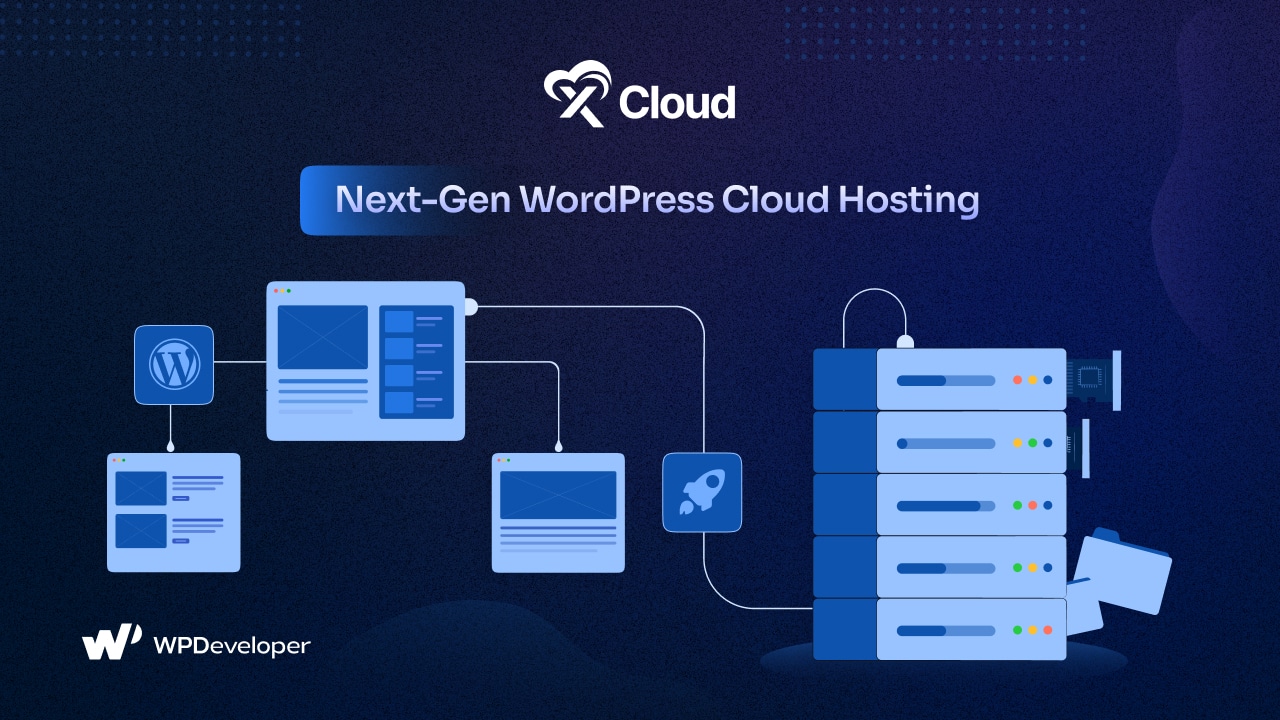
Key Features of xCloud Hosting
xCloud is more than just a hosting service. It is a fully managed hosting solution for WordPress designed for ease of use and exceptional performance. Here is why xCloud stands out with its extensive features:
🌟 Lightning-fast performance: Optimized for speed with NGINX and OpenLiteSpeed stacks, plus page and object caching options.
🌟 Enhanced security: Advanced security measures, site isolation, SSL certificates, SFTP/SSH, Fail2Ban, automated firewall protection, and 7G/8G firewall.
🌟 Built-in integrations: Integrate with cloud servers, email providers, DNS management, storage options, and Slack/WhatsApp for notifications.
🌟 Simplified server management: Utilize full root access, auto-healing, unlimited Sudo users and site deployments, advanced log viewer, automation with Cron jobs, and server/site health monitoring for simplified server management.
🌟 Efficient site management: xCloud Host offers extensive features for day-to-day site management, including staging environments, backup/restore, multiple PHP versions, SFTP/SSH access, multisite, file manager, blueprints, custom NGINX config, WordPress Magic login, WP-Cron/xCloud Cron – all you need in a single place.
🌟 Streamlined team collaboration: One account for multiple teams, user roles, user access control, and easy team management.
📌 Regularly Monitor Website Performance
Regularly checking how well your website is working is crucial to finding any problems before they cause your site to stop working. Use tools that give you instant warnings if pages are loading slowly, if there are server errors, or if there is unusual activity. By watching these details, you can quickly fix problems to prevent website downtime. In xCloud, you can monitor server resource usage and track RAM and CPU usage per site. If you manage several WordPress sites, xSpeed Cache’s xSpeed Hub adds daily monitoring with Slack or email alerts across every site you connect.
Tips for Effective Monitoring
Good monitoring is important for keeping a website running well and fast. By following these tips to prevent downtime, you can fix issues before they come up and ensure a smooth experience.
🌟 Set up alerts: Create alerts for big issues like server overload, high CPU usage, or sudden jumps in visitors.
🌟 Look at visitor numbers: Knowing when the most people visit helps you get ready for possible overloads. Our guide to managing traffic spikes covers this in more depth.
🌟 Check regularly: Plan regular checks to make sure your website stays fast and works well.
📌 Implement a Content Delivery Network (CDN)
A Content Delivery Network (CDN) is a group of servers spread out across various places around the world. A CDN makes websites load faster by storing things like pictures, styles, and scripts on these servers and giving them to users from the server closest to them. This makes the main server work less and makes the website run better.
Using a CDN can greatly lower the chance of your website going down, especially when many people visit simultaneously. xCloud Hosting works well with top CDN companies, making sure your content reaches users quickly and without problems all over the world.
Benefits of Using a CDN
A Content Delivery Network (CDN) provides many benefits for companies looking to enhance their website’s speed, security, and ability to reach a global audience. Here are a few key advantages:
🌟 Faster loading: Quick content delivery lowers the chance of website crashes due to too much traffic.
🌟 Better security: CDNs add extra security features, like protection against DDoS attacks.
🌟 Worldwide access: Ensures a smooth experience for users no matter where they are located.
📌 Regularly Backup Your Website
Regularly backing up your website is very important because it helps you quickly fix any problems, like server issues, security problems, or data mistakes. Automated backups let you bring your website back to an earlier time with little trouble.
xCloud Hosting offers automatic daily backups, so your website’s information is safe and can be quickly fixed if something goes wrong.
Backup Best Practices
Having a good backup plan is key to keeping your website’s data safe and making sure your business keeps running. Follow these tips to protect your important information.
🌟 Set up automatic backups: Plan for backups every day or week to avoid mistakes.
🌟 Keep backups somewhere safe: Store backups in a secure place away from your main server to prevent data loss if the server fails.
🌟 Test your restores: Regularly test restoring from backups to make sure they work properly.
📌 Secure Your Website
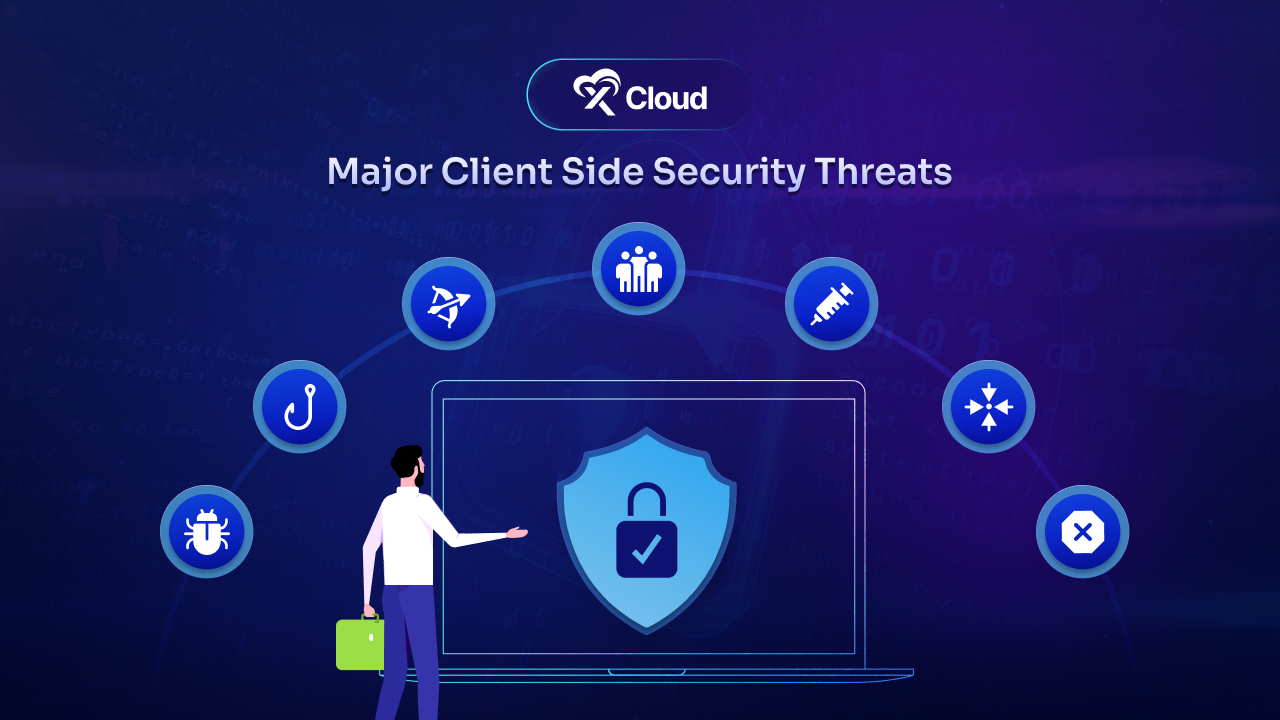
Security issues are a major reason why websites go down. A successful cyberattack can shut down your website, steal user information, and harm your reputation. So, it is crucial to take strong security measures to protect your website from possible threats and prevent downtime.
xCloud provides security features such as the 7G/8G firewall, Fail2Ban and the optional Site Security PRO addon (powered by Patchstack), and it works with Cloudflare for DDoS protection.
Security Measures to Implement
Are you sure your website is safe from cyberattacks? Do not take any risks. Find out about the key security steps you should take to protect your business.
🌟 SSL certificates: Encrypt the data sent between your website and users to prevent it from being intercepted.
🌟 Regular security updates: Keep your software, plugins, and themes updated to avoid vulnerabilities.
🌟 DDoS protection: Use protection against Distributed Denial of Service (DDoS) attacks, such as Cloudflare’s Under Attack mode, to keep your website running during an attack.
📌 Optimize Your Website for Performance
A well-optimized website improves user experience and lowers the chances of it going offline. Slow pages can cause server issues, especially when there is a lot of traffic. So, making your website faster clearly has no alternative.
Caching is the biggest lever here: a cached page is served without running PHP or querying the database, so the server can handle far more visitors before it struggles. On xCloud, new WordPress sites get xSpeed Cache installed and switched on automatically, with WordPress page caching, object caching, browser caching, minification and lazy loading in the free plan. See how to configure xSpeed Cache on xCloud.
Tips for Making Your Website Faster
Making your website faster is crucial for a good user experience and better search results. Here are some tips to help your website load quicker and work better.
🌟 Reduce HTTP requests: Cut down on the number of things on your pages to make them load faster.
🌟 Use browser caching: Let users’ browsers save parts of your website, which reduces the server’s work. Here is how to leverage browser caching on WordPress.
🌟 Compress images: Use tools to make images smaller without losing quality.
📌 Plan for Disaster Recovery
Even with your best efforts, downtime can happen because of unexpected events like natural disasters, hardware problems, or cyberattacks. Having a disaster recovery plan helps you quickly get your website back online even if you fail to prevent downtimes.
xCloud gives you the building blocks for disaster recovery: scheduled and incremental backups, off-site backup storage such as Amazon S3, and the option to restore a backup to another site.
Parts of a Disaster Recovery Plan
A well-thought-out disaster recovery plan is a must for keeping your website safe from sudden outages. By taking these steps, you can prevent downtime and make sure your business keeps running.
🌟 Identify important parts: Figure out which parts of your website are most important and focus on getting them back first.
🌟 Failover plan: Decide how you will move your website to a backup server if the main one fails, and how long that should take.
🌟 Regular testing: Test your disaster recovery plan often to make sure it works well and is up to date.
📌 Leverage Cloud Hosting for Better Reliability
Traditional hosting methods sometimes cannot meet the needs of today’s websites, which can cause more chances of your site going offline. Cloud hosting, like xCloud Hosting, provides a more reliable service by letting you take advantage of choosing from multiple servers and providers for your websites. Spreading sites across servers means one server failure does not take everything offline.
With xCloud, you can adjust your resources as your traffic grows, from PHP workers to the server itself, so your website stays up when visits increase.
Advantages of Cloud Hosting
Imagine experiencing a sudden surge in website traffic during a viral event. Cloud hosting can help you scale your resources quickly to accommodate the increased demand and prevent website downtime.
🌟 High availability: A setup across multiple servers can keep your website online, even if one server fails.
🌟 Scalability: Easily scale resources to match your website’s needs to prevent downtimes and overloads.
🌟 Cost-effective: Pay only for the resources you use, making cloud hosting a cost-effective solution for maintaining uptime.
🚀 Utilize the Best Hosting & Prevent Downtime for Consistent Growth
Keeping your website online is very important for your online success. By using these tips and the advanced tools from xCloud Hosting, you can greatly prevent downtime and make sure your website is always available for visitors. Remember, an always-available website is key to a successful business.
With xCloud Hosting, you have a team committed to keeping your website running well, so you can concentrate on growing your business without stressing about downtime.
If you have found this blog helpful, feel free to subscribe to our blogs for valuable tutorials, guides, knowledge, and tips on web hosting and server management. You can also join our Facebook community to share insights and engage in discussions.
Frequently asked questions
What is website downtime?
Website downtime is any period when your site is unavailable or not working properly for visitors. It can come from server failures, traffic overload, security attacks, faulty updates or network problems. Even short outages can cost sales and search visibility.
What is a good uptime percentage?
Most monitoring tools report uptime as a percentage of total time. 99.9% uptime still allows roughly 8.8 hours of downtime a year, while 99.99% allows under an hour, so every extra nine matters. Aim for the highest level your hosting and budget can support, and measure it with an independent uptime monitor.
How does caching help prevent downtime?
Caching serves ready-made pages instead of running PHP and database queries for every visit, so your server can handle more traffic before it runs out of resources. On WordPress, xSpeed Cache includes page caching, object caching and a preloader in its free plan, and xCloud installs it on new WordPress sites automatically. Caching is not a replacement for backups, monitoring or security.
How do I get alerted when my website goes down?
Use an uptime monitor that checks your site every few minutes and notifies you by email, Slack or another channel when it stops responding. On xCloud you can deploy Uptime Kuma as a self-hosted monitor and connect Slack for server notifications. Test the alerts once so you know they reach you.
Last updated September 28, 2026
← All articles